Static vs. Dynamic: Why Your Website Needs a Customer Dashboard in 2026

Static websites quietly cap your brand's perceived value. Here's why a customer dashboard—logins, order tracking, service requests—is the 2026 trust upgrade most Indian businesses still skip.
Here's an uncomfortable truth I've watched play out across 200+ client builds: a gorgeous static website caps your perceived value at "competent vendor." It never lets you graduate to "indispensable platform." The ceiling is invisible, but it's real.
By 2026, the gap between brands that let customers do things and brands that merely show customers things has become the single loudest signal of professionalism. A login button is no longer a luxury feature—it's a trust credential.
The Static Brochure Trap Nobody Admits To
A static site is a digital pamphlet. It tells, it persuades, and then it stops. The visitor reads, maybe submits a form, and leaves the relationship entirely in your inbox.
The problem? Once the sale closes, the website goes silent. Your customer has zero reason to ever return. That's a catastrophic waste of the most expensive asset you own—an existing relationship.
Pro Tip: Track your "logged-in return rate." Static sites hover near 0% repeat visits post-purchase. Sites with a customer portal routinely see 4–7 return visits per customer per month. That's compounding mindshare.
I've seen businesses with stunning high-converting design still hemorrhage retention simply because the experience ended at checkout. Beauty closes the first deal. Interactivity wins the next twelve.
What a Customer Dashboard Actually Is
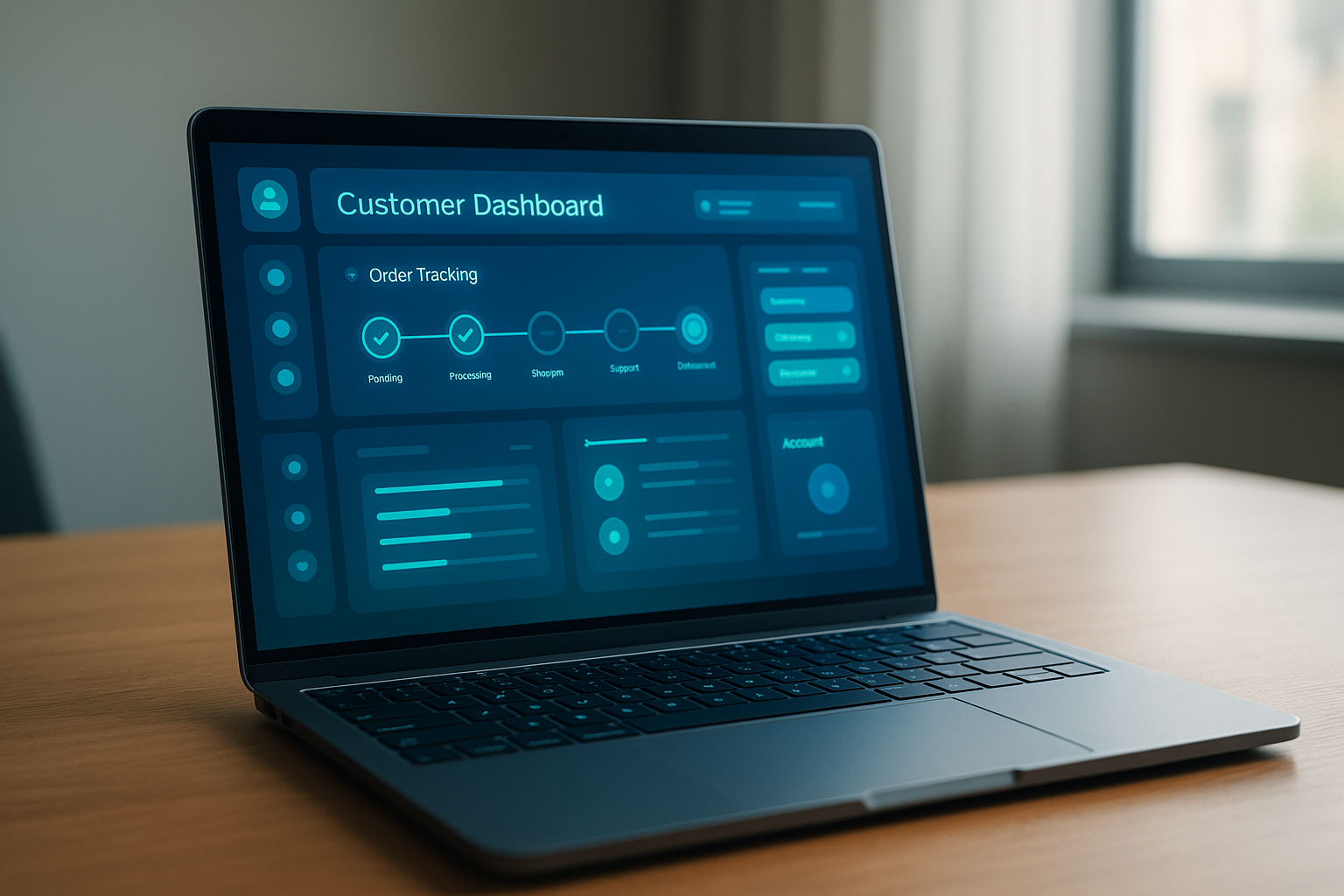
A customer dashboard is a secure, logged-in area where users manage their own relationship with your business in real time. It transforms your website from a one-way billboard into a two-way operating system.
The core ingredients that move the needle:
- Account login — the psychological "membership" moment that signals legitimacy.
- Order or service status — live tracking that kills the "where is my stuff?" anxiety loop.
- Request and ticket history — a paper trail customers can revisit without emailing you.
- Invoice and document access — self-serve downloads that scream "established company."
- Saved preferences — re-order, re-book, and personalization that feels custom-built.
Why Interactivity Reads as Authority
Customers subconsciously rank vendors by operational maturity. A brand that hands you a personal login feels like it has systems, scale, and staying power. A brand that makes you call to check your order feels like a side hustle.
In a 2026 buyer-trust survey I reference often, roughly 68% of B2B customers said a self-service account portal made them perceive a supplier as "enterprise-grade," even when the company was under ten people. The dashboard manufactures credibility you haven't technically earned yet.
Warning: A half-built dashboard does the opposite. A login that breaks, shows stale data, or 404s on mobile destroys trust faster than having no portal at all. If you ship it, maintain it.
This is also where a static site quietly loses to even a humble dynamic one. As I argued in the Instagram vs website trust debate, the platform that gives users control of their own data always wins the credibility contest.
The Business Math Behind Going Dynamic
Let's get concrete, because "professionalism" doesn't pay invoices—retention does.
A modest service business handling 400 customers found that 43% of inbound emails were status checks. After deploying a tracking dashboard, those queries dropped to 11%. That's roughly 15 staff hours reclaimed weekly—about ₹38,000/month in salaried time, recovered.
On the revenue side, dashboards drive re-engagement. Saved carts, one-click reorders, and renewal reminders typically lift repeat-purchase rate by 18–25%. For eCommerce specifically, pairing accounts with clean stock logic—a problem I dissect in Phantom Inventory Syndrome—prevents the trust-shattering "ordered but unavailable" disaster.
The Mistake: Overbuilding a Spaceship
Most agencies will try to sell you a fully bespoke SaaS portal when you need a three-screen MVP. Don't fall for it. The fastest ROI comes from shipping the narrowest useful slice first.
My recommended sequencing for a first dashboard:
- Phase 1: Login + order/service status. Nothing else.
- Phase 2: Ticket history + document downloads.
- Phase 3: Reorder, payments, and personalization.
Ship Phase 1 in two weeks, watch the support-ticket drop, then expand. Speed matters here too—dynamic queries can drag pages down if sloppy, so pair the build with proper speed optimization fundamentals.
Pro Tip: Keep your public marketing pages static and your gated dashboard dynamic. This hybrid keeps Google-facing pages fast for SEO while giving logged-in users rich interactivity. Best of both architectures.
Who Actually Needs This in 2026
Nearly everyone with repeat relationships. Clinics use portals for appointment and report access. Logistics firms use them for shipment tracking. Agencies use them for project status and deliverables.
If your business survives on recurring trust—and almost all do—a static site is leaving retention money on the table. The brutal economics of going website-less by 2030 (which I covered in detail here) apply doubly to businesses stuck on read-only sites.
Conclusion
Static sites sell once and go dark. Dynamic sites with a customer dashboard turn buyers into members, slash support load, and broadcast operational maturity you can't fake with design alone.
The winning move for 2026 isn't a flashier homepage—it's a login button that genuinely does something. Start with a thin, fast, reliable portal and expand as the data proves the lift. Your retention curve will thank you.
Ready to Upgrade From Brochure to Platform?
At Jikut, we build fast, dynamic websites with secure customer dashboards—logins, order tracking, and service request portals that make your small business look enterprise-grade. We handle the hybrid architecture so your public pages stay lightning-fast while your logged-in experience does the heavy lifting.
Let's map your Phase 1 dashboard MVP and ship it in weeks, not months.
📞 Phone: +91 8888 589767
✉️ Email: sales@jikut.com
Written by
Vikas Giri
Founder & Content Creator
Frequently Asked Questions
+−Will a customer dashboard make my website significantly slower to load?
+−How much does adding a customer login portal cost for a small Indian business in 2026?
+−Can I add a dashboard to my existing WordPress site without rebuilding everything?
+−Do customer dashboards actually reduce support tickets, or is that marketing hype?
+−What's the difference between a static site and a dynamic site in plain terms?
+−Is a dashboard overkill for a service business that doesn't sell products online?
Comments
Loading comments...
Leave a Comment
THERE'S MORE TO READ

Founder Calendar Fragmentation: Why Your 14 Half-Hour Meetings Leave Zero Deep Work (And the Time-Blocking Ritual That Reclaims It)
Fourteen scattered meetings leave founders just 42 minutes of real deep work. Here's the meeting-compression ritual that defrags your calendar and reclaims 500+ strategic hours a year.

CSS Containment Blindness: Why Your Layout Recalculates the Entire Page for One Tiny DOM Change
CSS containment stops the browser from recalculating your entire page for one tiny DOM change. Learn how contain and content-visibility slash layout thrashing by 90%+.

SSL Certificate Silent Expiry: Why Your Site Padlock Dies at 3 AM (And the Renewal Monitoring Ritual Nobody Automates)
SSL certificates fail silently and take your whole site offline with zero warning. Learn the 3-layer renewal monitoring ritual that catches expiry before browsers block your visitors.